
Step 1: Click on sign in on the top right of your homepage
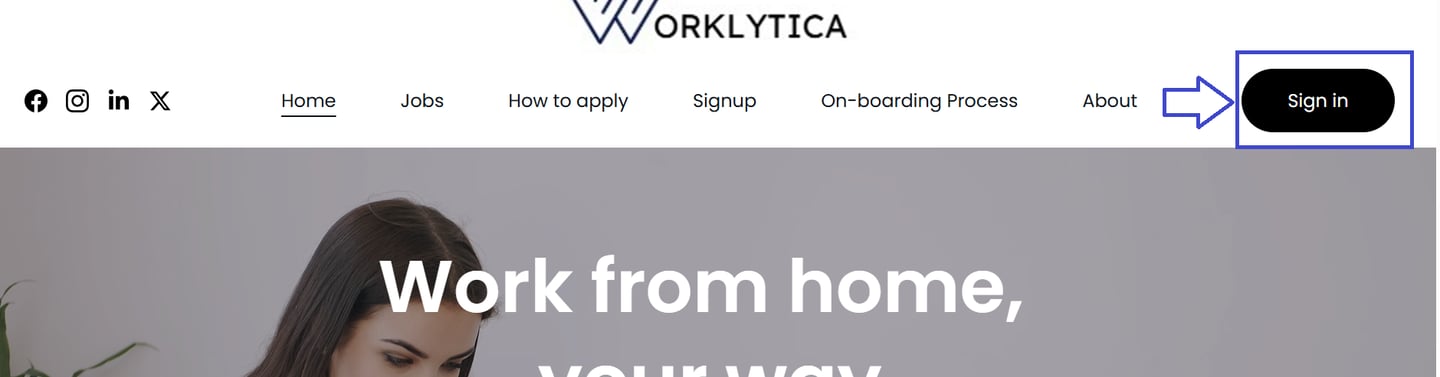
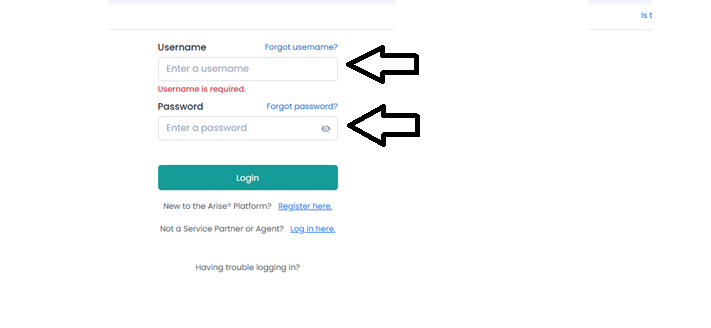
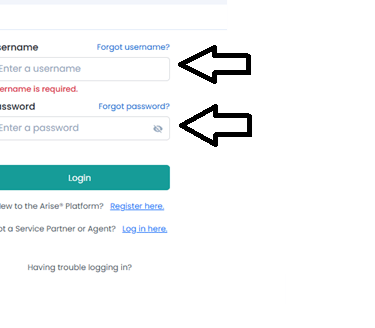
Step 2: login with your User name and password .
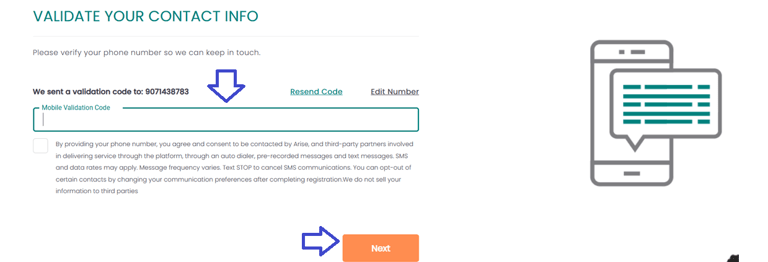
Step 5: Enter the OTP for mobile validation
Before you start your profile creation make sure to follow the check list below
Make sure you have your Adhara and PAN with you
Ensure the Name , BOD and Address you enter on the portal is same as per the Adhara
Adhara and PAN is linked
You have the Digi locker account
Check your email for your Login Credentials if no credentials received , connect with us via email worklytica@gmail.com
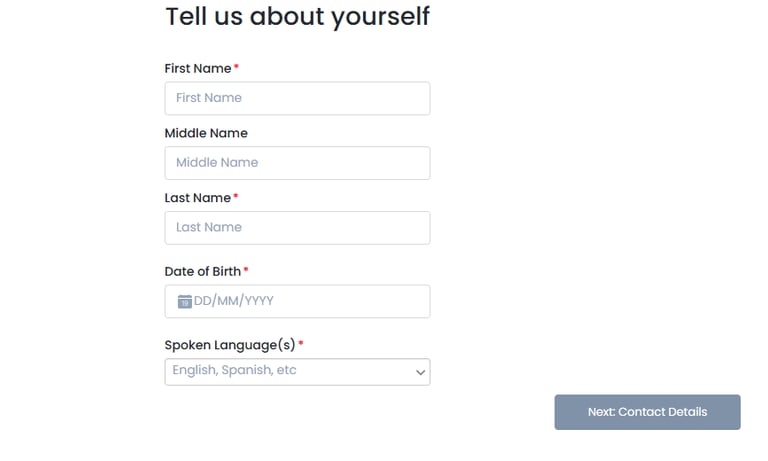
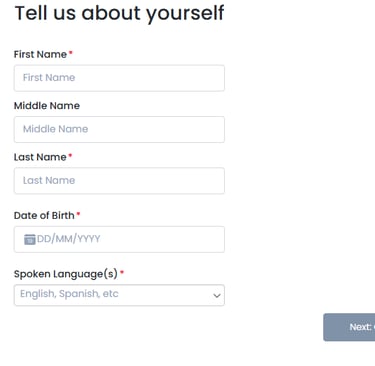
Step 3: Enter you Name , Email address , phone no in this stage
Note : Enter your name , DOB and all other details exactly as per your aadhar
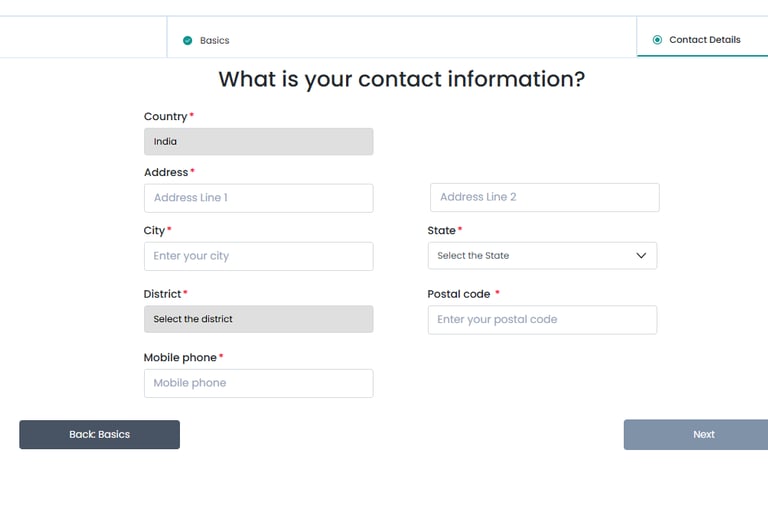
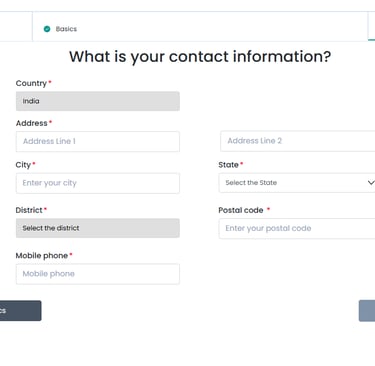
Step 4: Enter you Address , pin code exactly as per the Adhara
Note : Even though if you stay in different address make sure you enter the address only as per the Aadhar address
Step 7: Now click on work for some one else
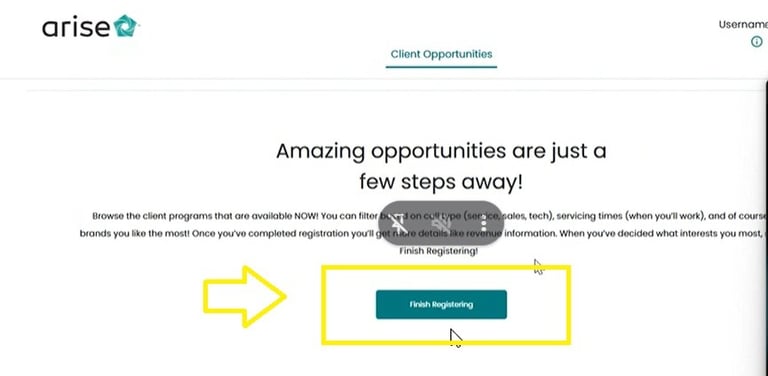
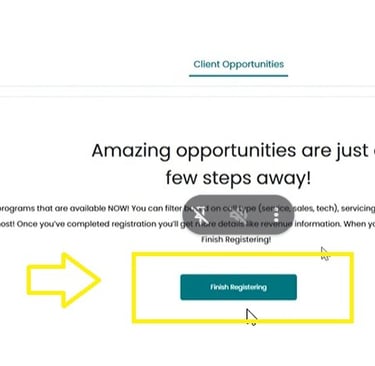
Step 6: Now click on Finish registration
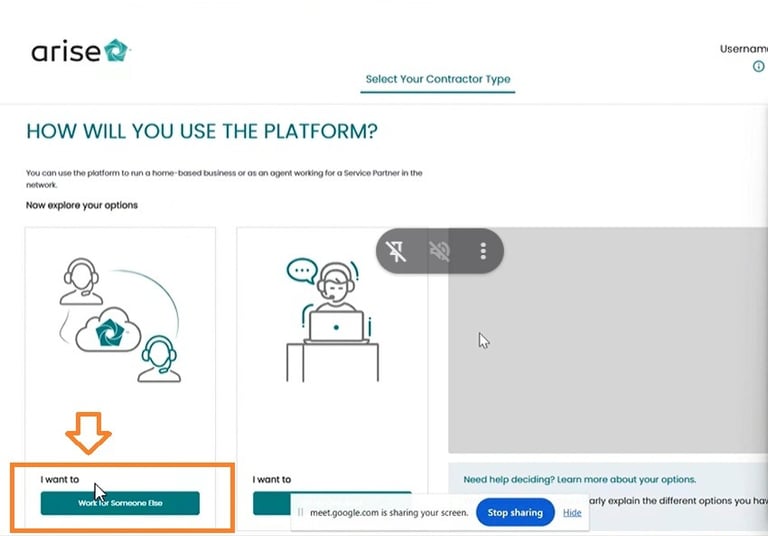
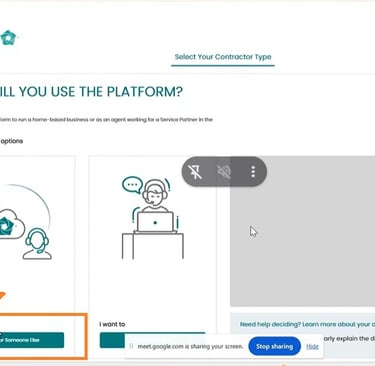
Step 8: Now Select Join service partner
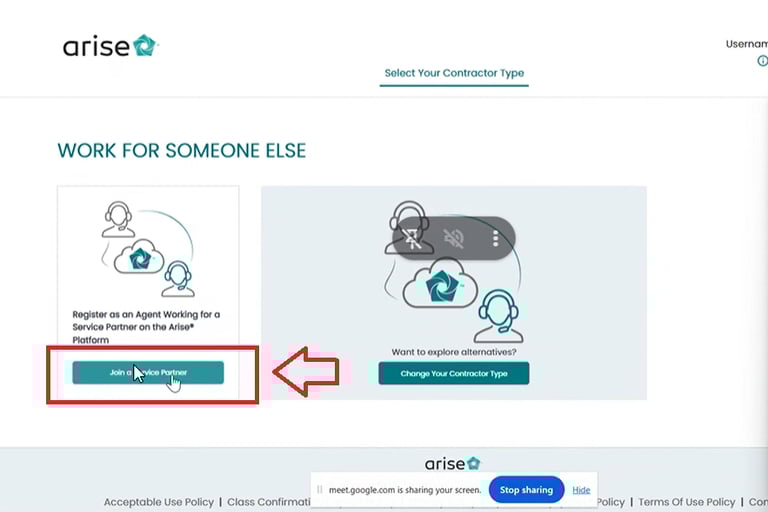
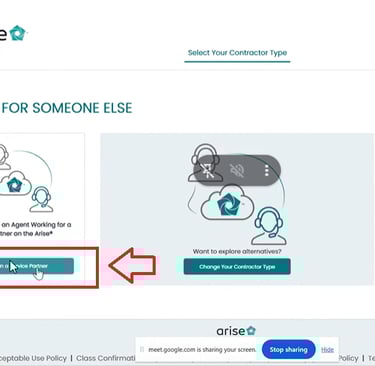
Step 9: Now Validate your Adhara by entering your aadhar and click on (Verify Button)
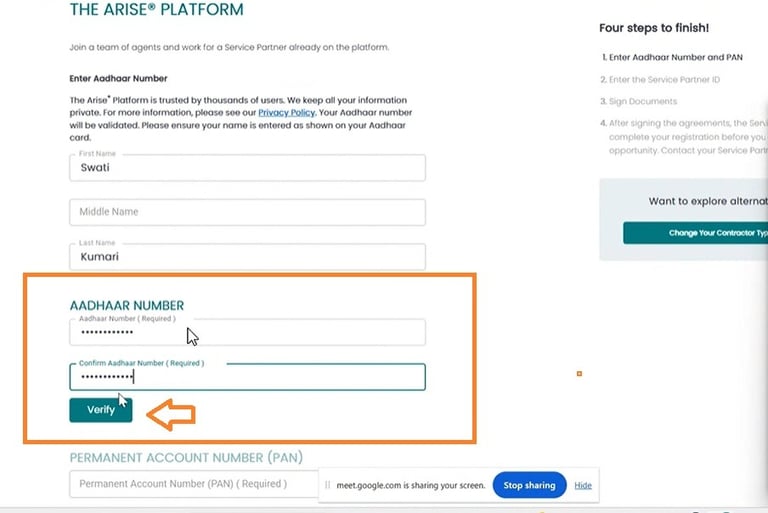
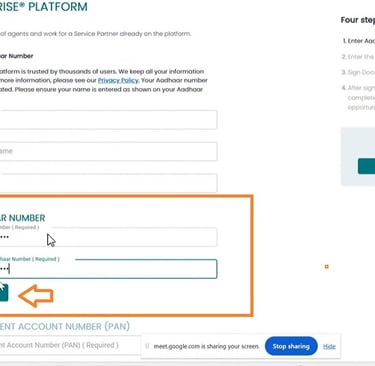
after you click verify enter your Adhara on Govt portal
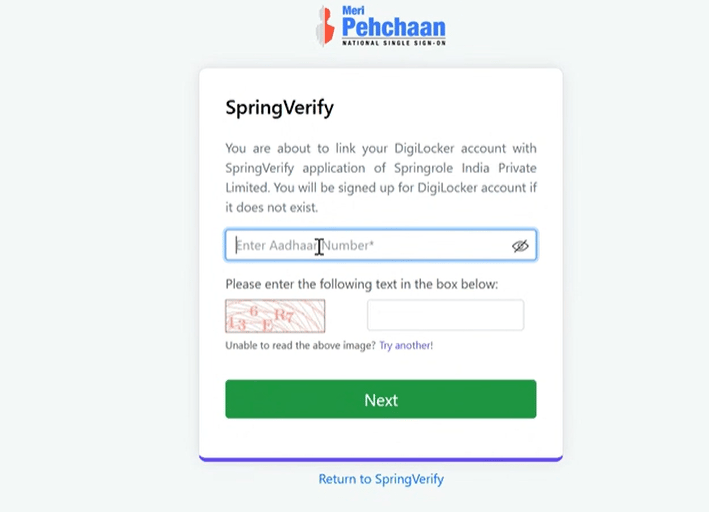
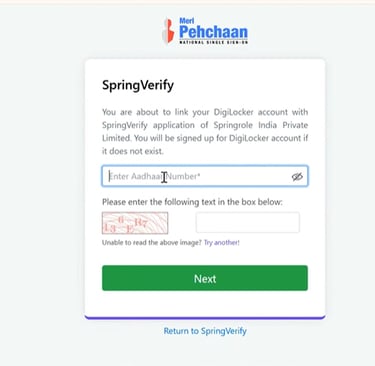
Validate your Adhara using Digi-locker
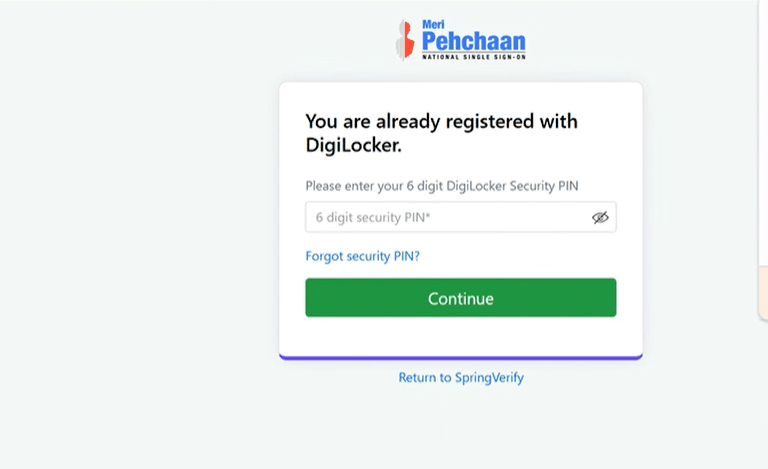
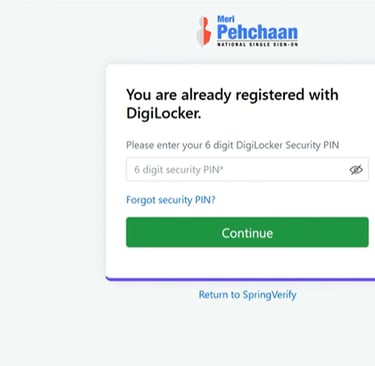
if you do not remember the pin click on forget security pin enter basic details and set a new pin
Select Adhara and PAN and click on Allow
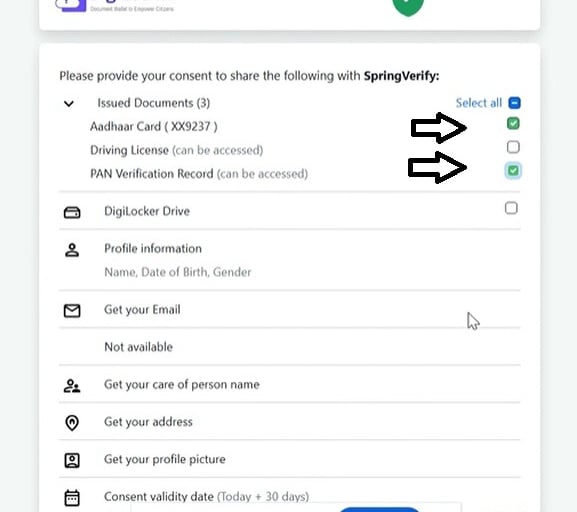
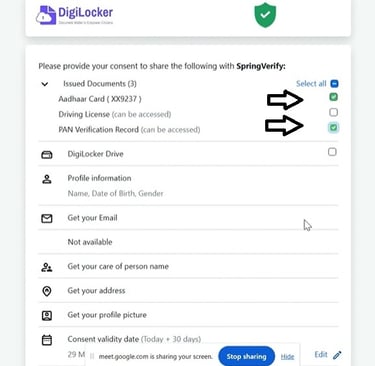
Click on refresh to check if Adhar is validated
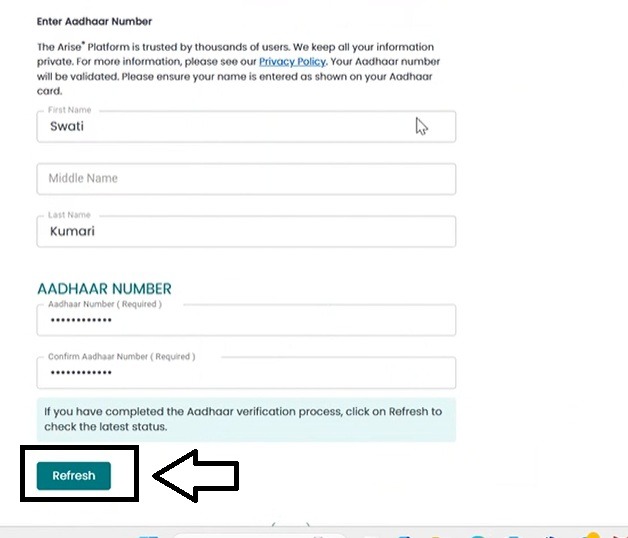
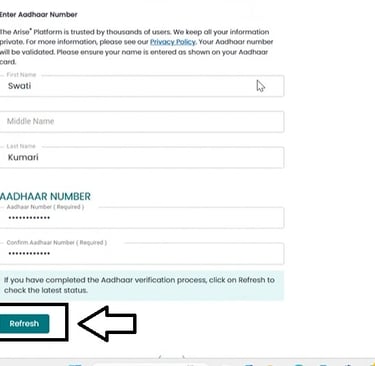
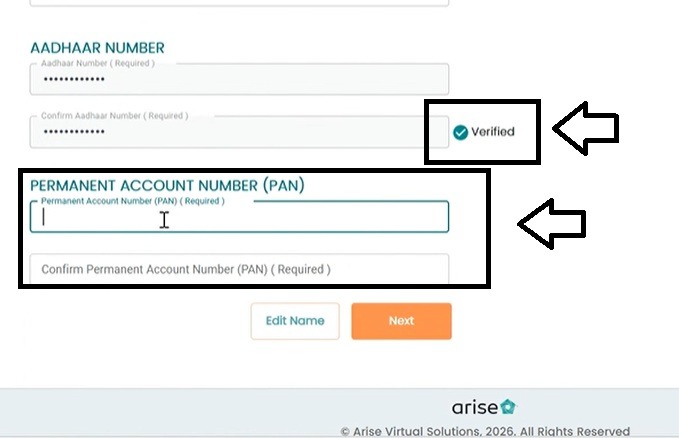
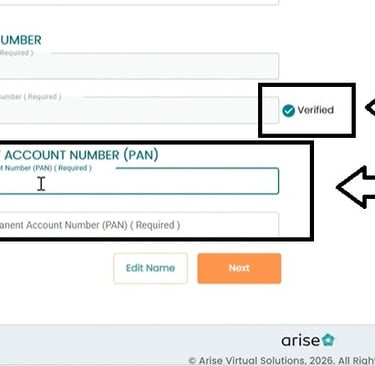
Once validated enter PAN and validate PAN as well and click on Next
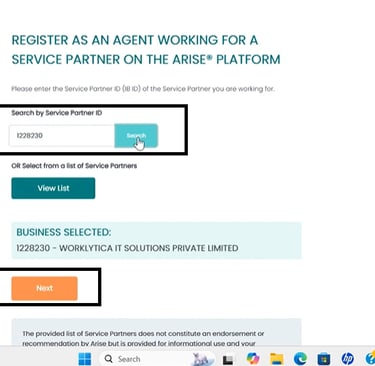
In service partner Id enter 1228230 click on search and enter next
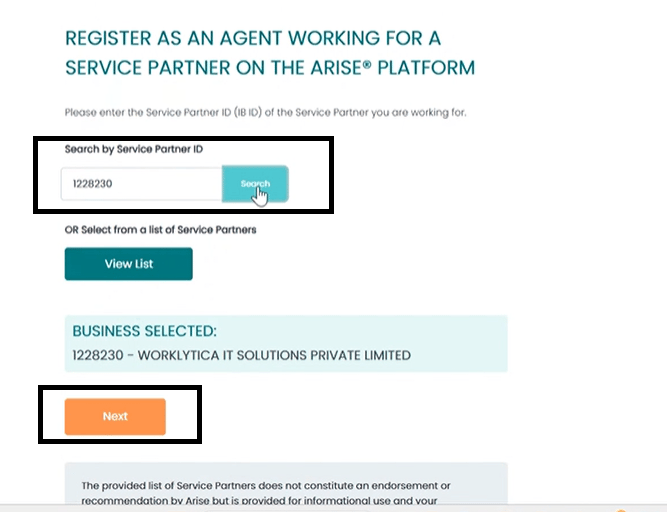
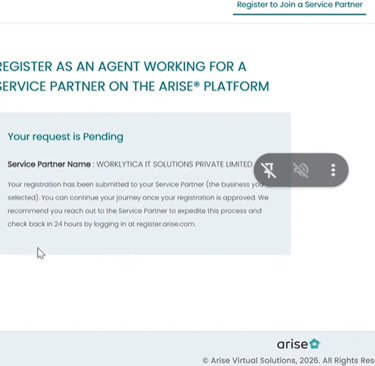
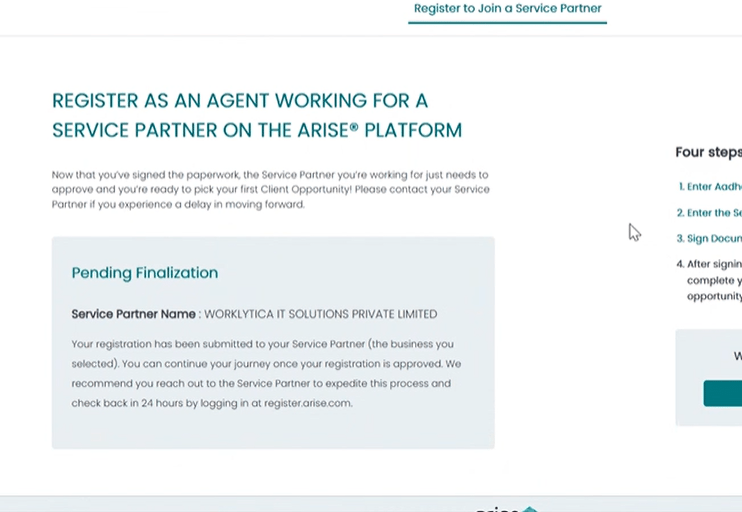
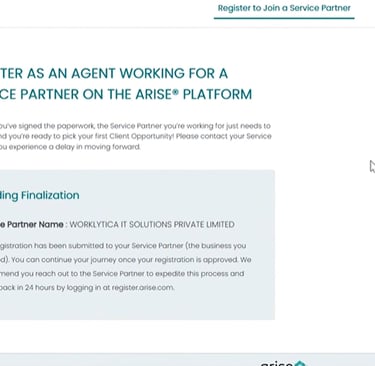
Wait for approval to Join our call centre
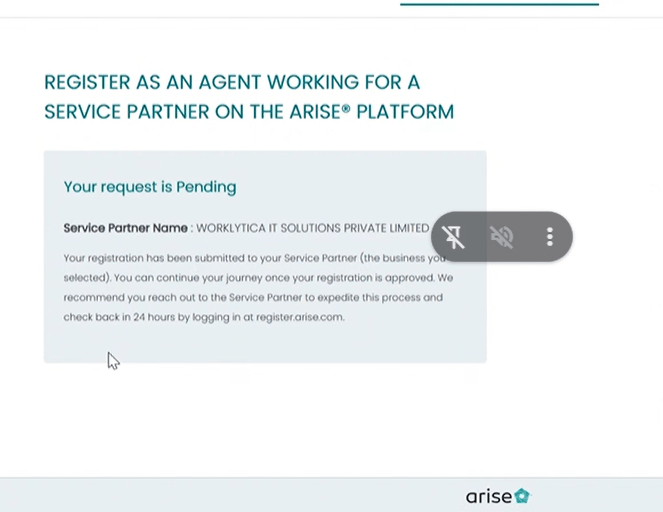
Once approved sign the NDA from
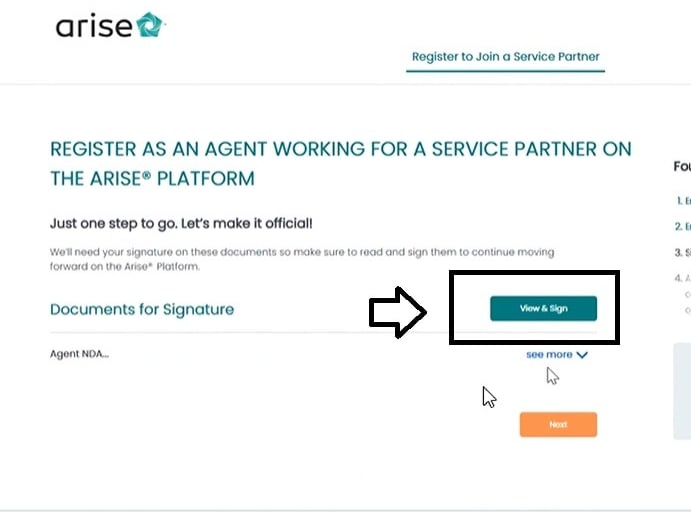
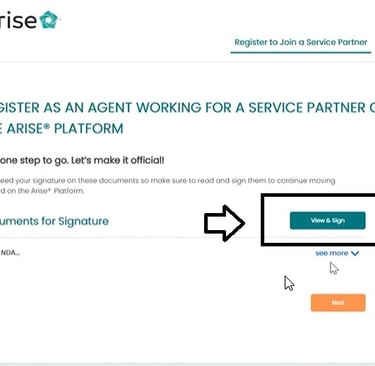
Once Finalised you will officially ready for your work from home Journey
Resources
support@worklytica.in
+91-6209267516
© 2026. All rights reserved.
Get Started
Technical support
Contact us
Join us
+91-9830077115